NoruCore — Local AI Characters with Memory & Emotions
A downloadable project
NoruCore is a local AI roleplay studio where you create digital personalities with memory, emotions, and deeply customizable behavior.
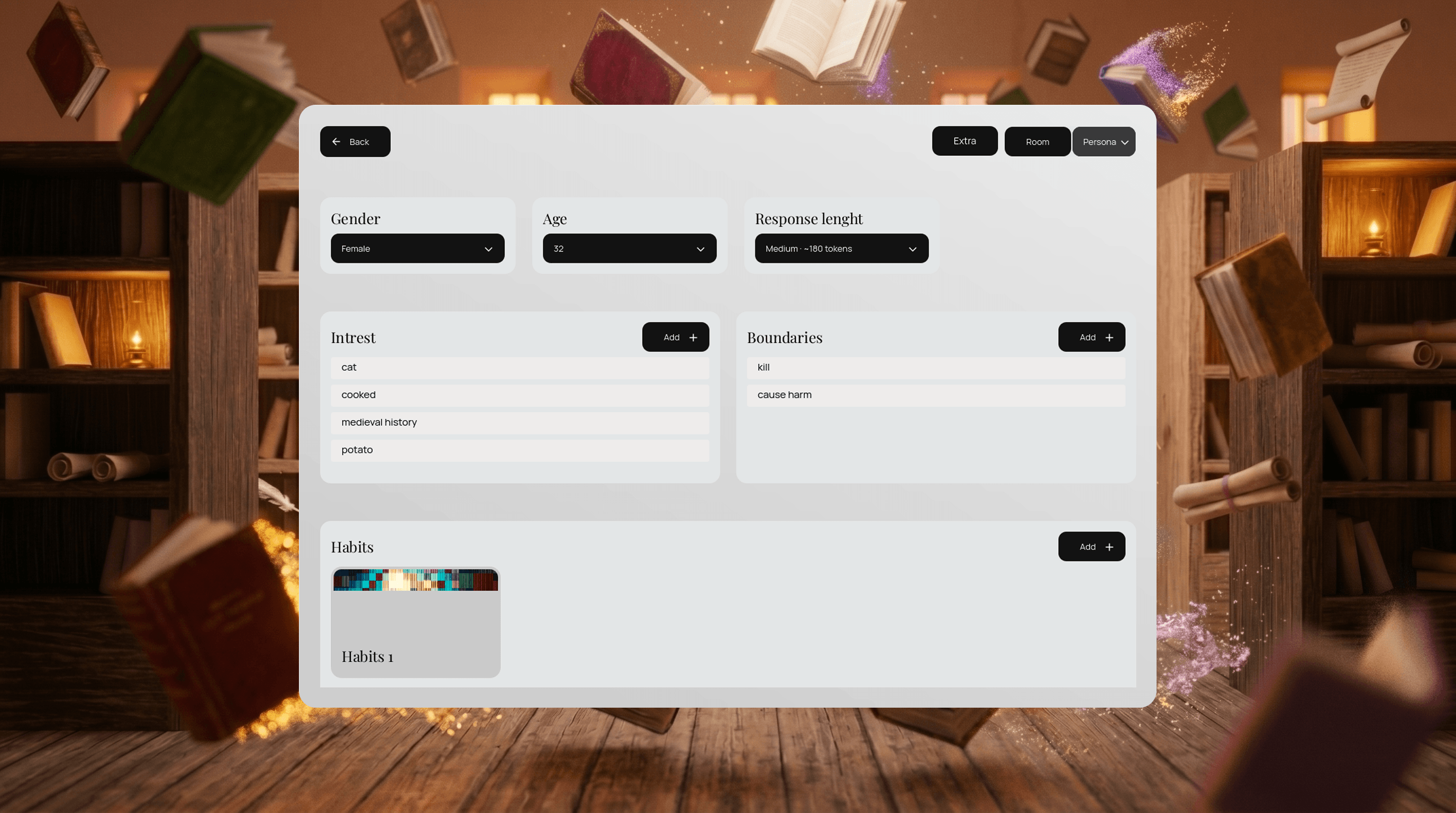
Build AI characters from the ground up: define identity, personality traits, principles, values, boundaries, communication style, emotional tendencies, relationships, habits, quests, and behavior patterns. Characters can preserve state and learn from supported feedback across conversations.
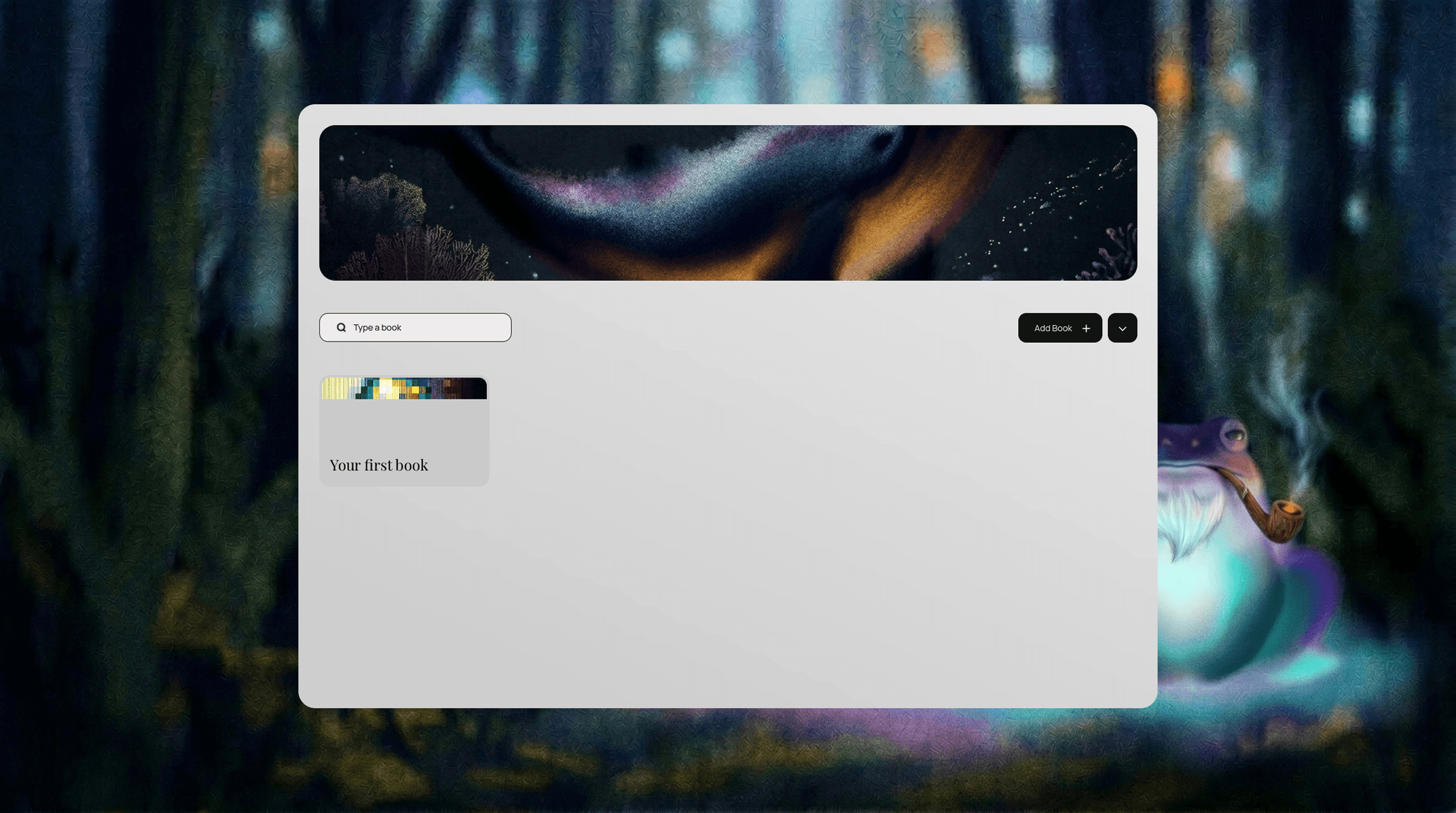
Unlike cloud-based AI chat services, NoruCore performs conversations and model inference locally on your device. Your Books, chats, characters, models, and memories remain in your local workspace. AppStarter may connect to the internet to check for and download verified application updates.
Core Features
Three-Layer AI Brain A native Analyzer prepares your message, the Brain evaluates actions and decisions using the active character and world state, and your selected local model writes the visible response.
Advanced Character Creation Shape identity, personality, principles, values, boundaries, communication style, emotional tendencies, relationships, habits, and goals.
Structured Long-Term Memory Characters can preserve meaningful facts, events, preferences, relationships, and runtime state across conversations. Model quality still affects how naturally this information appears in dialogue.
Local Conversations and Inference No cloud conversation service or hosted inference API is required. Performance depends on your hardware, selected GGUF model, and context length.
Creative Roleplay Sandbox Create companions, rivals, villains, fantasy characters, science-fiction entities, and original personalities within the current capabilities and safety boundaries of the application.
Guided Training Refine Voice, Delivery, Formatting, and Behavior through focused feedback. The experimental Actions mode lets you inspect and correct how the Brain understood and considered an action.
Coming Soon
- Spatial Room simulation
- Expanded social cognition
- Multi-character conversations
- Stronger behavioral continuity
- Continued interface, accessibility, and reliability improvements
Why NoruCore?
Most AI character applications rely primarily on prompts and generated text. NoruCore aims to create characters whose decisions are grounded in explicit personality, memory, relationships, goals, and world state.
Support Development
NoruCore is an evolving alpha Preview. If you enjoy the project, follow its development, report reproducible issues, and consider supporting future updates.
Download